Why Your T1000-E Turns Itself On When You Charge It
Charge a T1000-E overnight, unplug it in the morning, and drop it in your bag. By the afternoon the battery is half gone, even though you never switched it on. Or you spot the tracker quietly awake when you were sure you had turned it off.
Several early users have asked us about this. It is not a fault, and once you know what is happening, the fix takes two seconds.
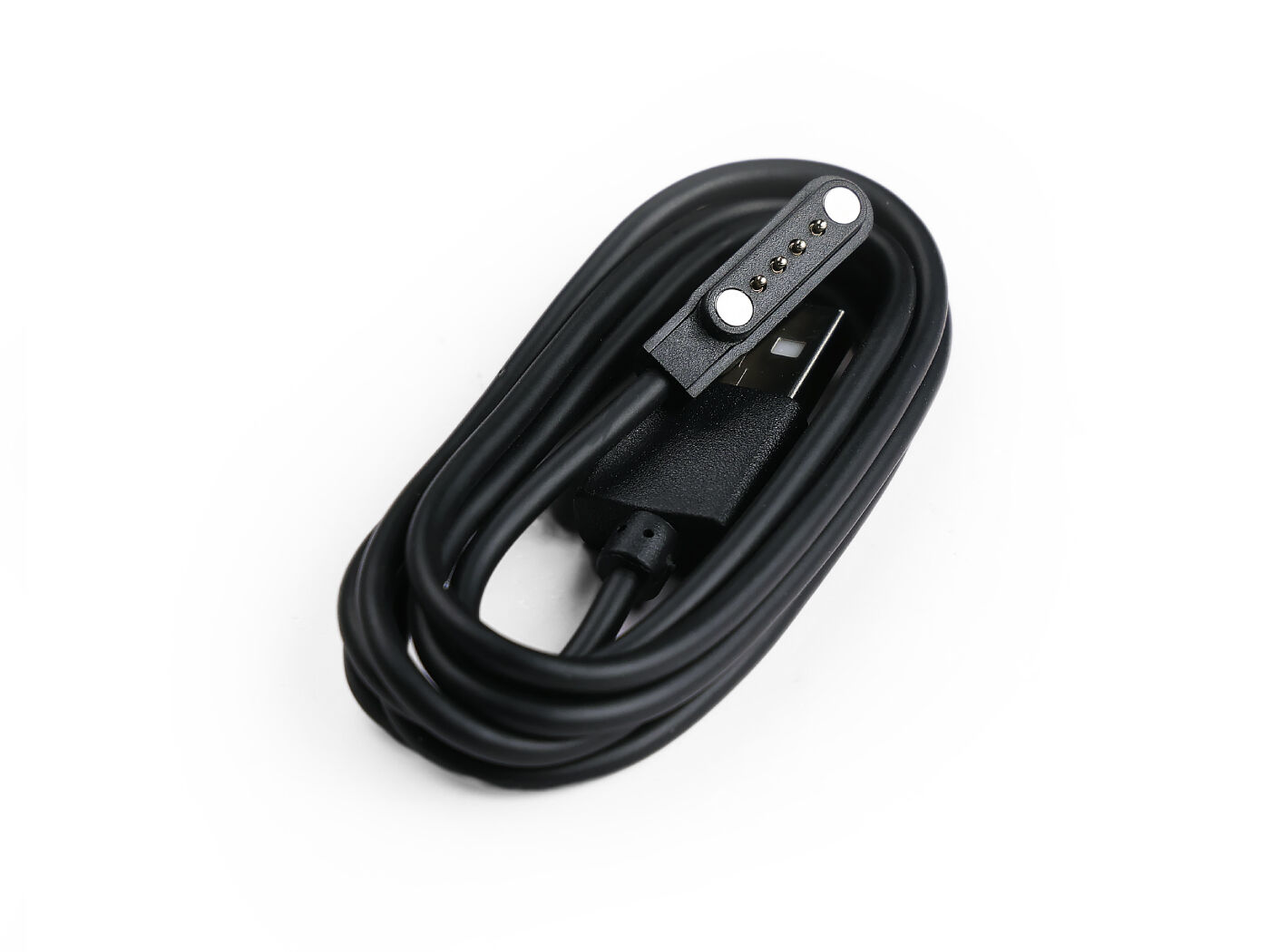
Why it happens: there is no on/off switch
The simplest way to think about it: the T1000-E has no power switch. There is just one button, which you press to turn it on and hold to turn it off. Nothing physically holds the device in the "off" state.
So whenever it senses power on its charging pins, it turns on. Plug in the cable and it wakes up, charging and running at the same time. It can even switch on again when you disconnect the cable. (Under the hood, the Nordic nRF52840 chip wakes the instant it detects USB power, before the Meshtastic software runs, which is why there is no setting to disable it.)
This is normal behaviour for the T1000-E, not a defect. It is specific to this hardware family: Meshtastic devices built on other chips, such as ESP32 boards, do not behave this way.
Why it is worth caring about
The T1000-E has a small 700 mAh battery. If it stays switched on after charging, three things keep happening in your bag or drawer:
- The GPS keeps trying to hold a position fix, which is one of the biggest battery drains.
- The radio keeps sending your position and status to the mesh on a schedule. A tracker you thought was off may keep broadcasting where it is, for example your home.
- The battery slowly empties, so the device can be flat exactly when you next need it.
None of this is dangerous, but it is the opposite of what most people expect when they charge a device and put it away.
How to switch it off properly
Unplugging the cable is not a reliable way to turn the device off, because of the quirk above. Instead, shut it down on purpose:
- After charging, disconnect the cable.
- Press and hold the button on the front.
- Keep holding until you hear the descending "power-off" melody (a short tune that steps down in pitch), then let go.
The melody is your confirmation: it steps up when the device turns on and down when it turns off. If nothing happens, you held too long or let go too early, so just try again.
You can also shut the device down from the Meshtastic app when it is connected, using the power option in the device settings.
Still not sure if it is off? While it is running, the small status light blinks from time to time, so a device that stays dark and silent is off.
Make the shutdown step part of your charging routine, so the tracker is genuinely off instead of quietly running in your bag.
More detail
The full power, charging, and button reference lives on the device page: SenseCAP T1000-E: powering on, off, and charging. If you just want the quick answer, see the FAQ.