Why the App Keeps a Notification Running in the Background
A notification sits in your status bar and will not go away. It appeared when you connected your tracker to the Meshtastic app, and swiping does nothing. Is the app stuck, draining your battery, or did you do something wrong?
None of the above. It is completely normal, and the app is just doing its job. Here is what that notification is for, and what it means for your battery.
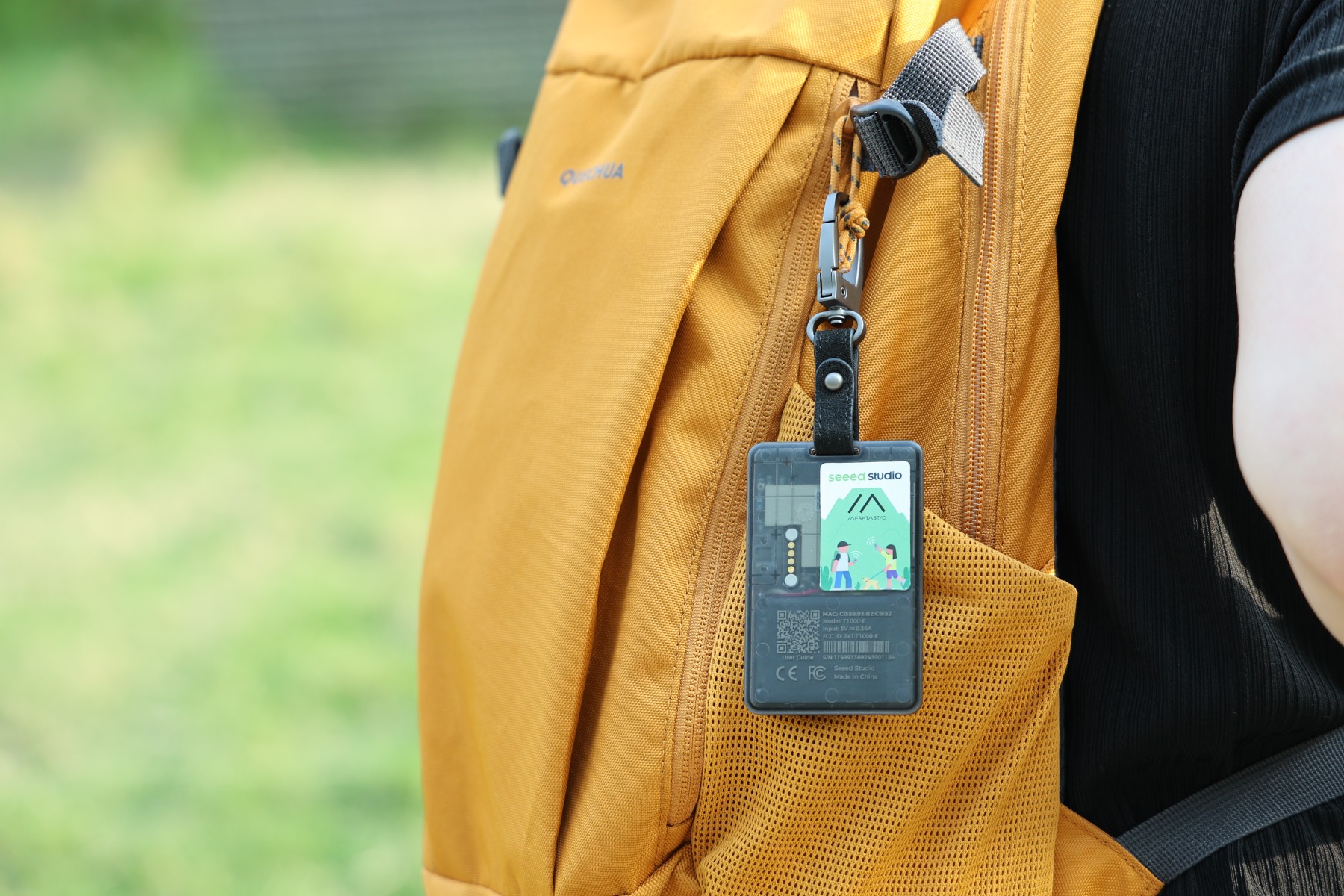
Why Android works this way
A few years ago, Android phones had a problem: apps would keep running in the background, quietly using battery and data. So starting with Android 8, Google put strict limits on background activity. Two things changed:
- If an app is not in front of you, Android stops its background work after a few minutes.
- When your phone is sitting idle with the screen off, Android enters a power-saving state that pauses apps even further.
This is great for battery life on most apps. But some apps genuinely need to keep working in the background, like music players, navigation, fitness trackers, and anything holding a live connection to a device.
For those cases, Android offers one official path: a foreground service. An app running a foreground service is allowed to keep working with the screen off, but in exchange Android requires it to show an ongoing notification. The idea is transparency: if an app is active in the background and using resources, you should always be able to see that it is. That is why the notification cannot be swiped away while the service is running.
Why Meshtastic needs it
The connection between your phone and your tracker runs over Bluetooth. To be useful, the app has to hold that connection open all the time, not just when you are looking at the screen, so it can:
- receive incoming messages from your team the moment they arrive,
- keep updating positions on the map,
- collect telemetry like battery level, and
- pass that information on (for example to Karida Cloud or a tracking server).
If the app could not run in the background, Android would cut the Bluetooth connection within minutes of you locking your phone. You would miss messages, the map would freeze, and you would have to reopen the app every time. The ongoing notification is the price for keeping all of that alive.
Is it draining my battery?
The notification itself costs nothing: it is just an icon. The real cost is keeping the Bluetooth connection open. Helpfully, the tracker uses Bluetooth Low Energy, which is designed to sip power, so for most people the impact through the day is modest. Staying connected does use some battery, but far less than, say, navigation or streaming.
What you can do
- Leave it alone while you are out. This is the app working as intended, and it is what keeps messages flowing.
- Disconnect when you are done. When you finish for the day, disconnect the device in the app. The foreground service stops and the notification disappears on its own.
More detail
We keep a short answer in the off-grid FAQ if you want to point a teammate to it.