SenseCAP Card Tracker T1000-E
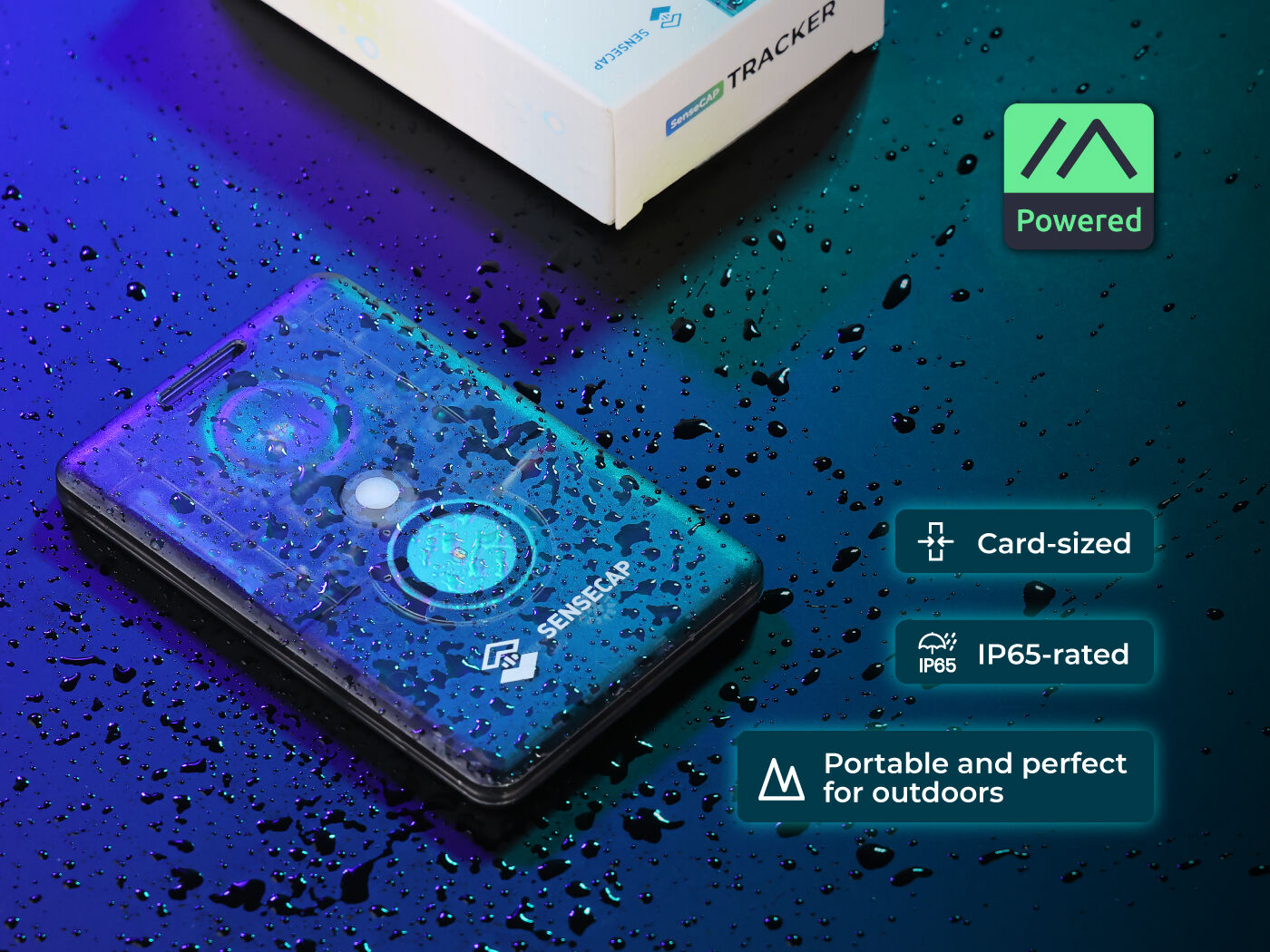
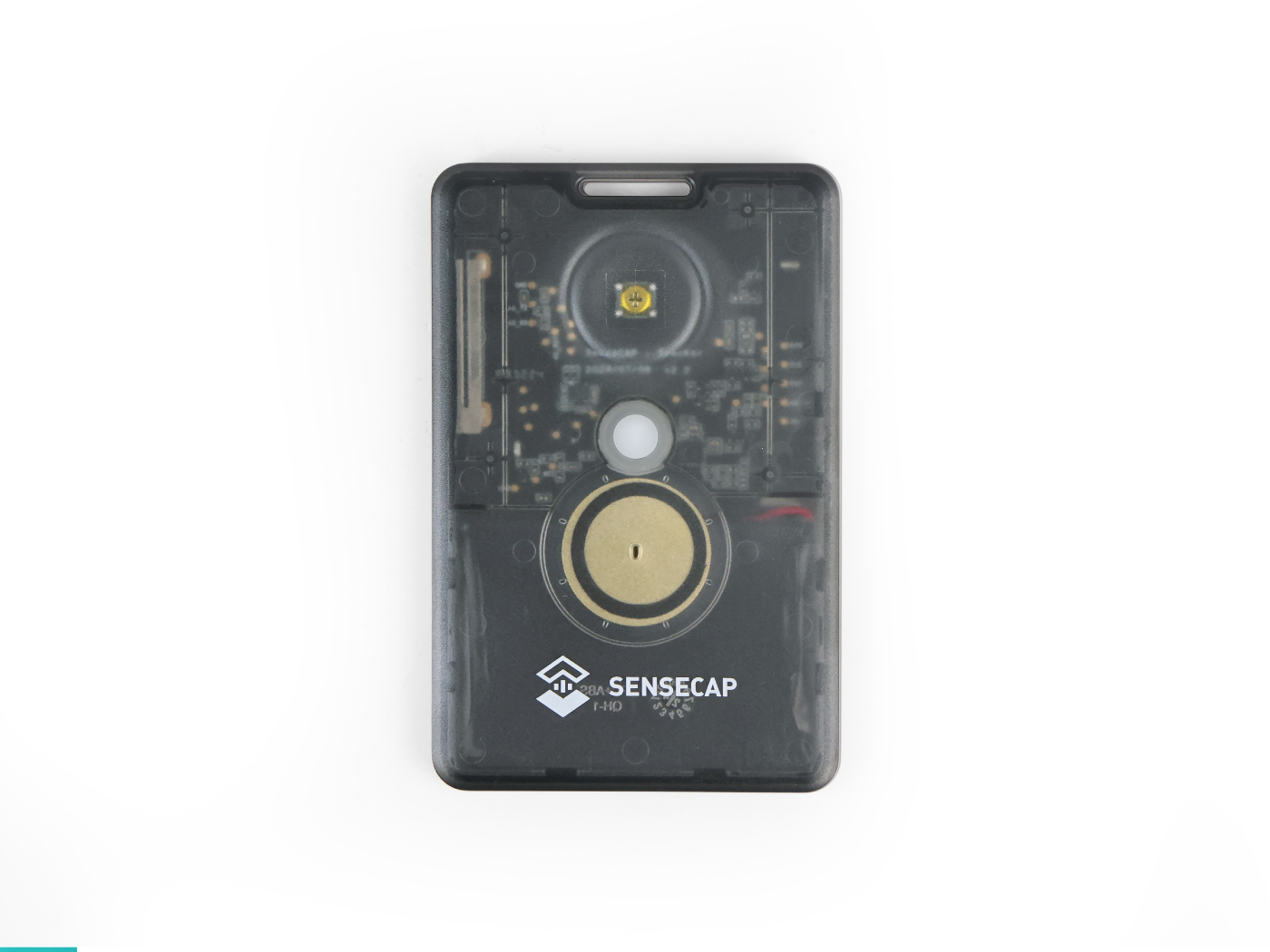
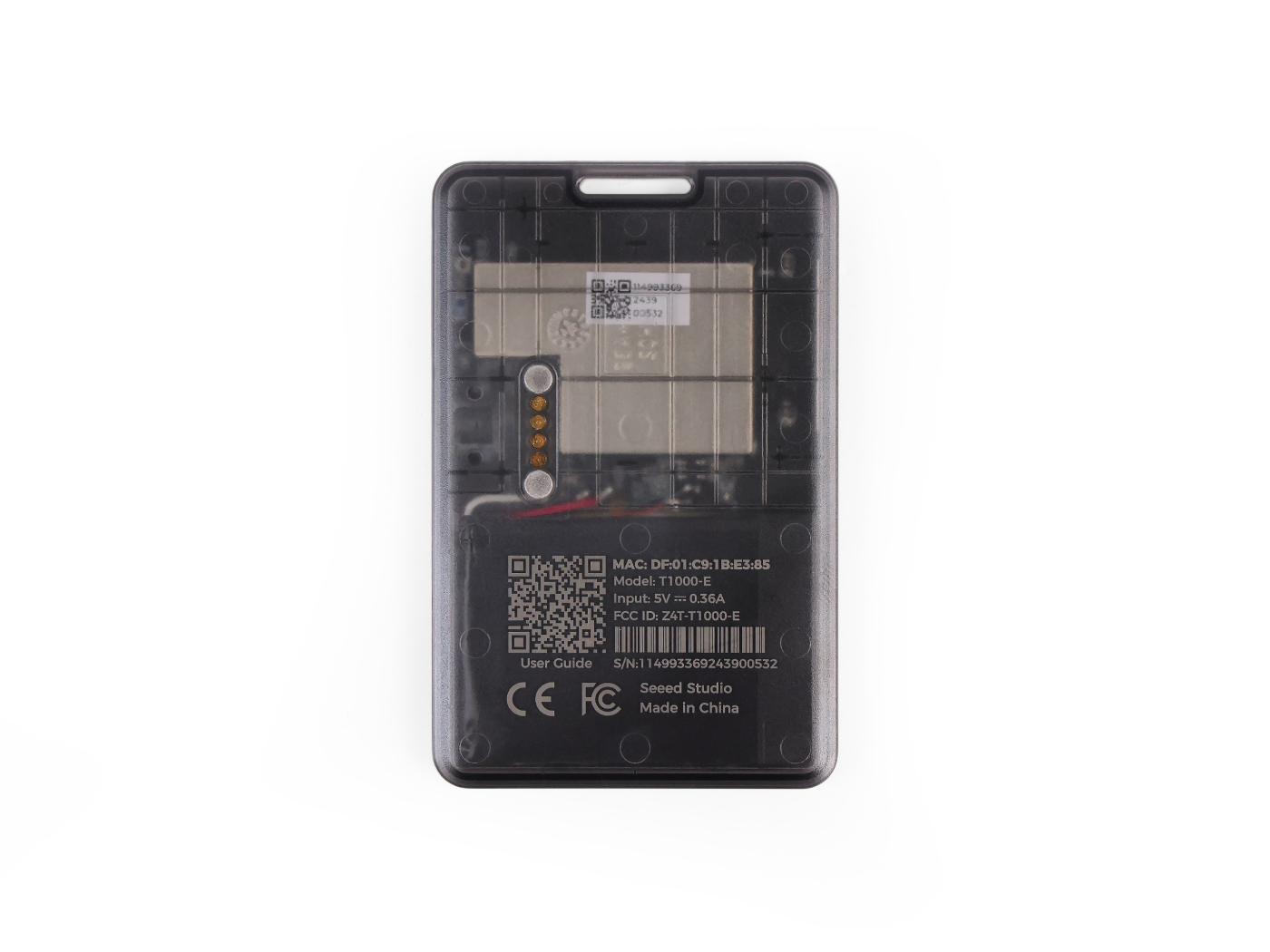
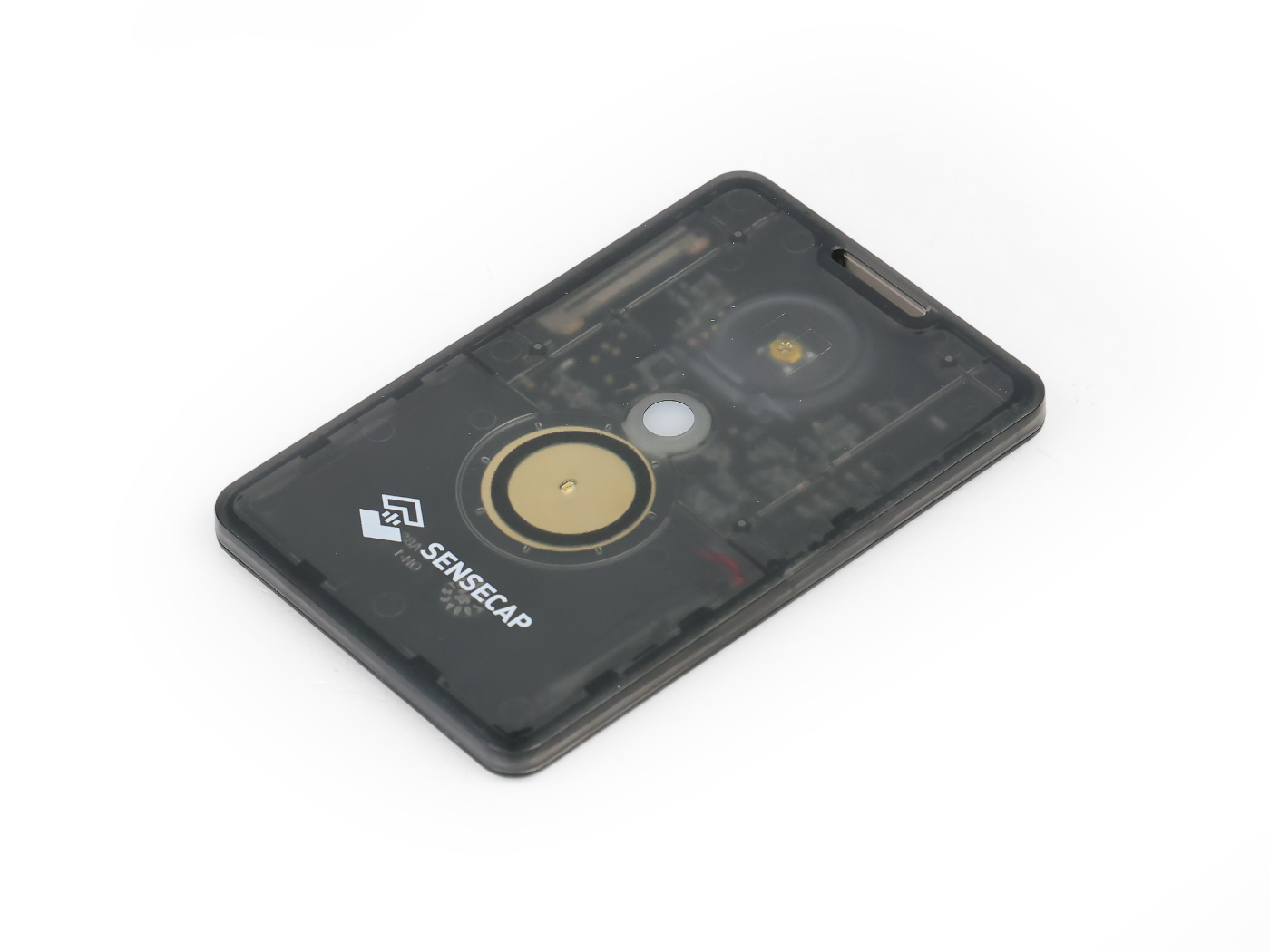
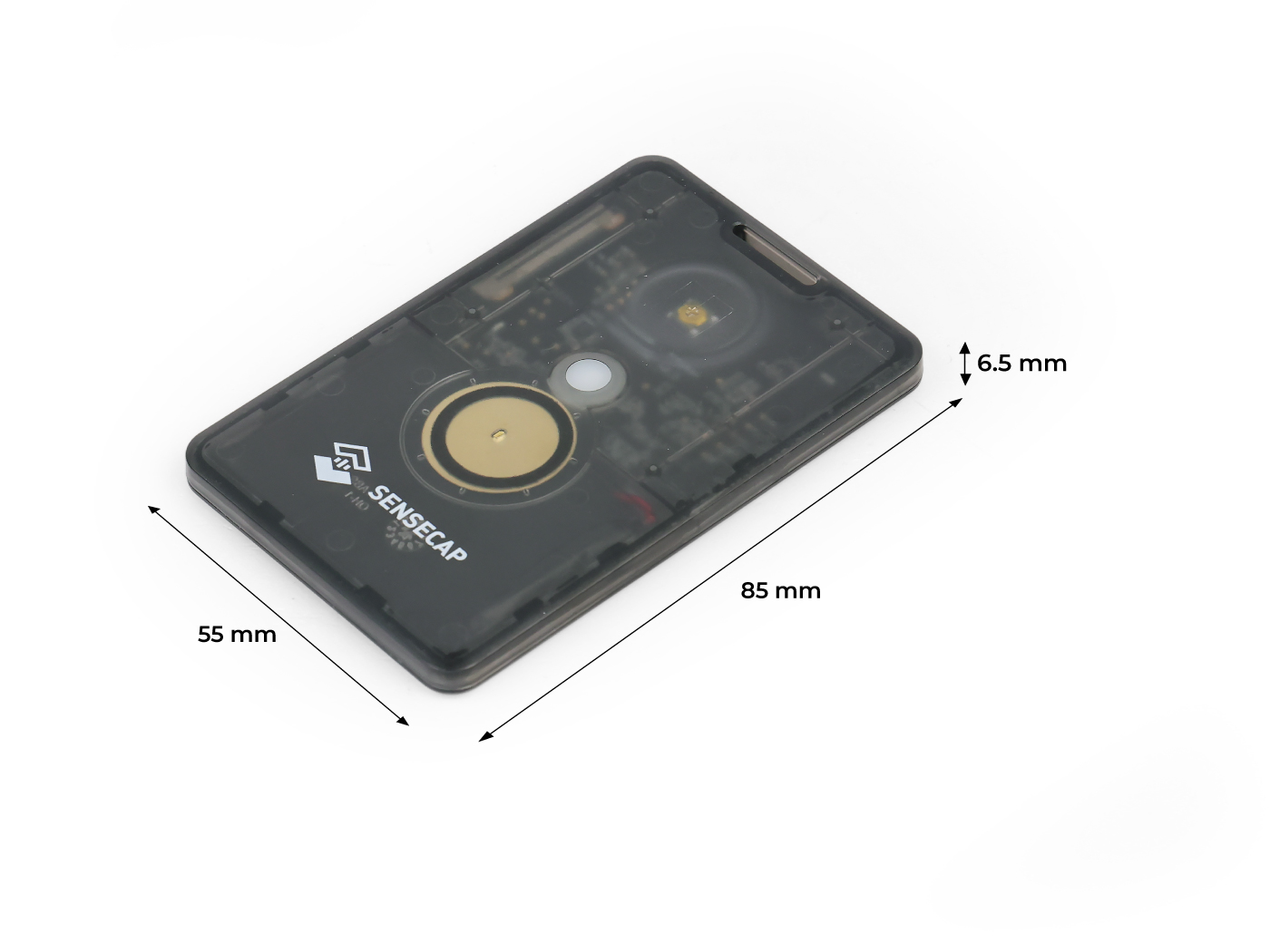
The SenseCAP Card Tracker T1000-E is a pocket-sized Meshtastic device made by Seeed Studio. It is about the size of a credit card, fits in any pocket, and is one of the few Meshtastic devices with Giteki certification for legal use in Japan.
Buy in our shopKey features
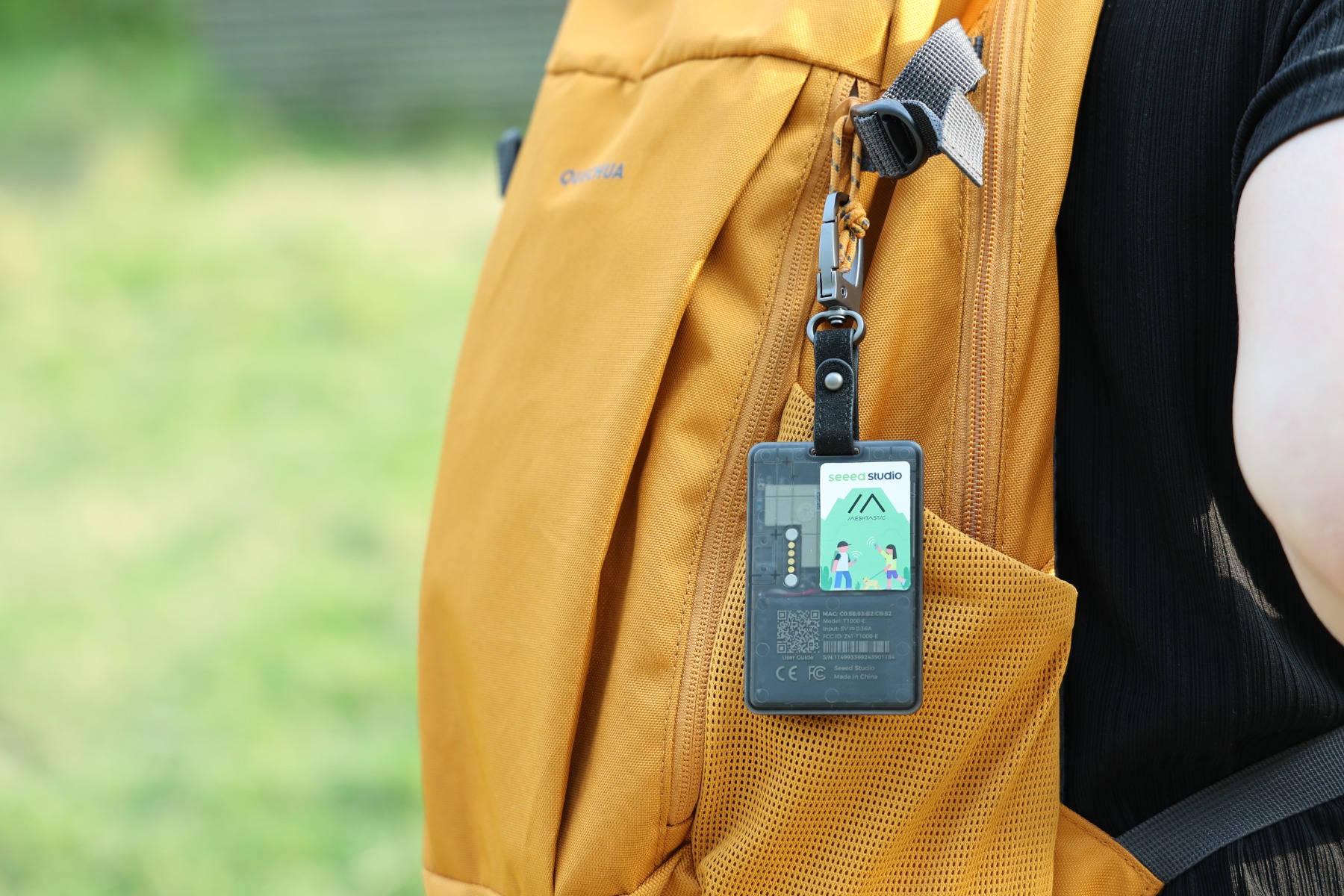
- Compact size - credit card sized (85 x 55 x 6.5 mm), fits in any pocket or clips to your gear
- Giteki-certified - legal to use in Japan on the 920 MHz band
- GNSS support - GPS, Galileo, BeiDou, and GLONASS for accurate position tracking
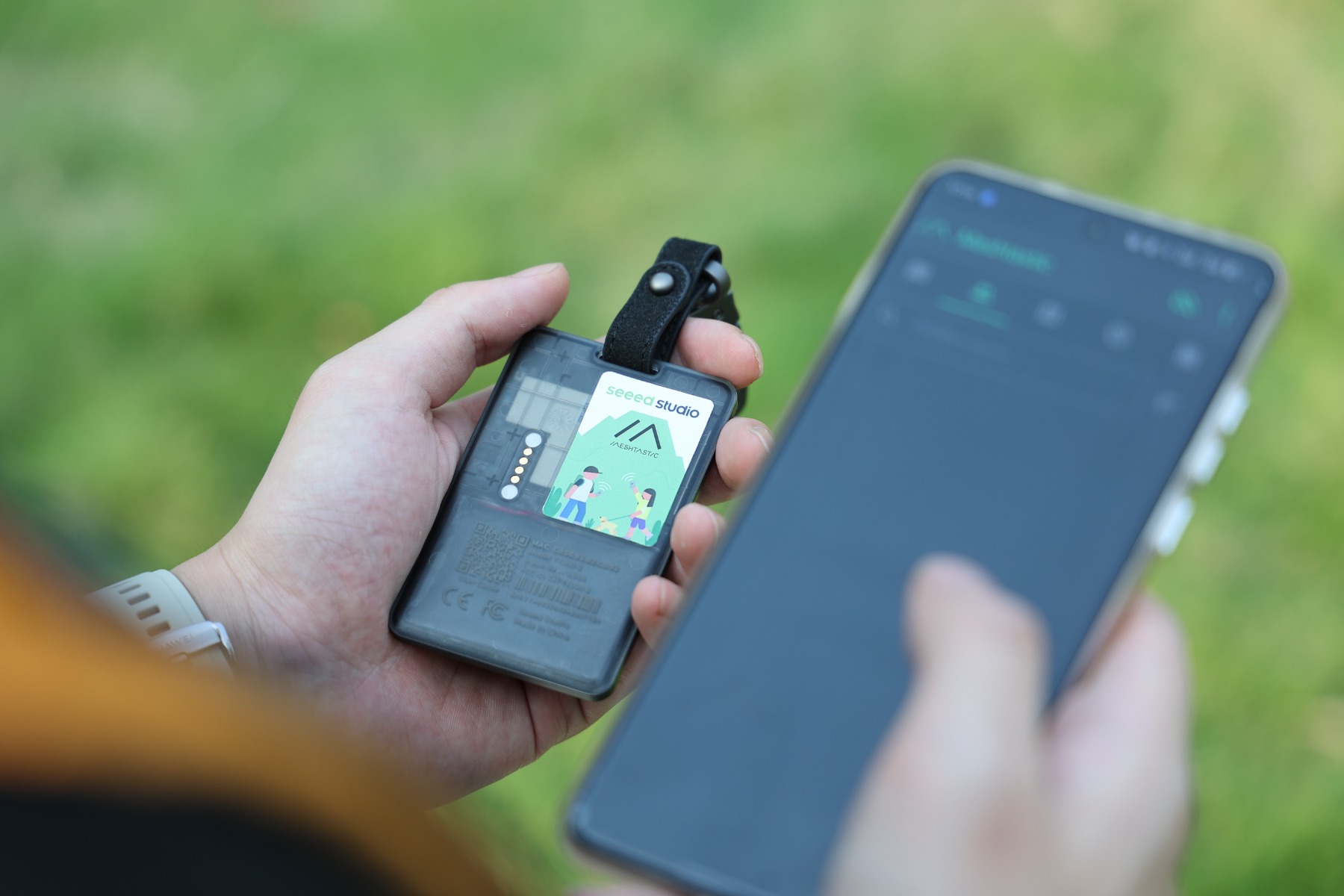
- Bluetooth 5.0 - connects to the Meshtastic app on your phone
- Built-in sensors - temperature sensor and 3-axis accelerometer
- Rechargeable battery - 700 mAh Li-Po, lasts several days with moderate use
- IP65 rated - dust-tight and protected against water jets
Specifications
| Specification | Details |
|---|---|
| Frequency | 920 MHz (Japan) |
| Protocol | LoRa / Meshtastic |
| Certification | Giteki (技適) |
| LoRa chip | Semtech LR1110 (863-928 MHz) |
| MCU | Nordic nRF52840 |
| GNSS module | Mediatek AG3335 |
| GNSS systems | GPS, Galileo, BeiDou, GLONASS |
| Connectivity | Bluetooth 5.0 |
| Sensors | Temperature, 3-axis accelerometer |
| Battery | 700 mAh Li-Po, rechargeable |
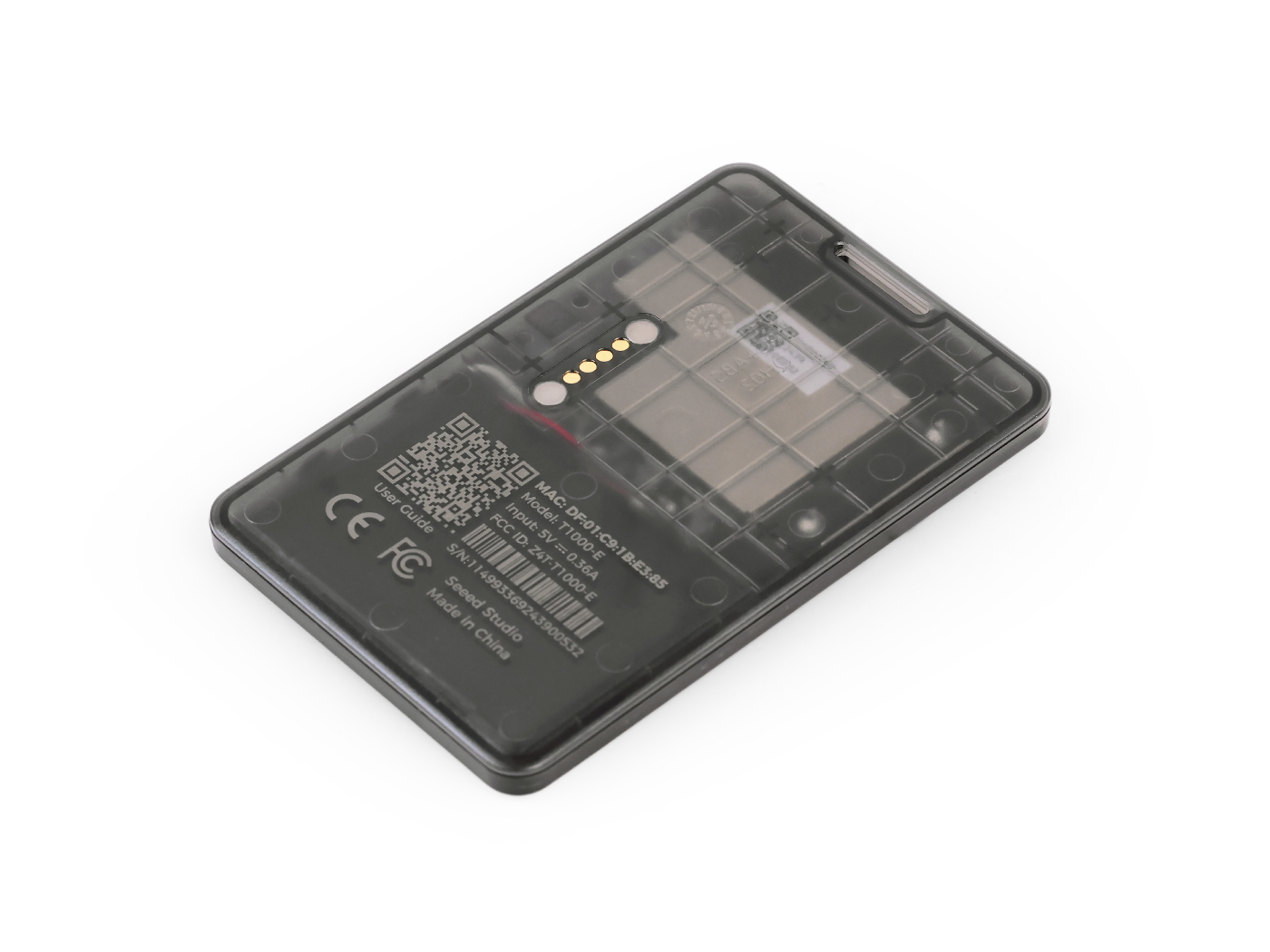
| Charging | Magnetic 4-pin cable (USB-A) |
| Charging time | Approx. 2 hours |
| Water resistance | IP65 |
| Weight | Approx. 32 g |
| Dimensions | 85 x 55 x 6.5 mm |
What is in the box
- 1x SenseCAP Card Tracker T1000-E
- 1x Magnetic USB-A to 4-pin charging cable
Compatible accessories
- Magnetic Charging Cable - spare charging cable for your bag or car
- Snap Hook - clip the tracker to your backpack or gear
Getting started
- Charge the device fully before first use
- Install the Meshtastic app on your phone
- Pair via Bluetooth and set the region to Japan (JP)
For the full setup guide, see First Setup.
Button functions
The T1000-E has a single button on the front face:
- Single press - power on the device
- Long press - hold until you hear the descending melody to shut down (see Powering on, off, and charging)
- Double press - send your current position to the mesh
- Triple press - enable or disable GPS
- Quadruple press - mute or unmute the buzzer
Powering on, off, and charging
The T1000-E has no screen, so it uses short melodies to tell you what it is doing.
The sounds
- Turning on: a melody that steps up in pitch.
- Turning off: a melody that steps down in pitch.
Listening for these tunes is the reliable way to know the device's state.
To shut it down
Press and hold the button until you hear the descending power-off melody, then release. If nothing happens, you may have released too early or held too long, so just try again and listen for the downward notes.
You can also shut the device down from the Meshtastic app when it is connected, using the power option in the device settings.
To tell whether it is on, watch the status light: it blinks from time to time while the device is running, so a device that stays dark and silent is off.
It powers on by itself when charging
The T1000-E has no on/off switch, just the single button. Because nothing holds it in the off state, it powers on whenever it senses power on its charging pins: connecting the cable turns it on, and it can also power on when you disconnect. (Under the hood, the Nordic nRF52840 chip wakes the instant it detects USB power, before the software runs, which is why there is no setting to disable it.) This is normal behaviour, not a fault.
Because of this, unplugging the cable is not a reliable way to switch the device off. After charging:
- Disconnect the cable.
- Hold the button until you hear the descending power-off melody.
- Confirm it is off.
If you skip this, the device can keep running in your bag: the GPS and radio stay active, the 700 mAh battery drains, and the tracker keeps broadcasting its position to the mesh. For the full background, see the blog post Why Your T1000-E Turns Itself On When You Charge It.
Charging notes
- Charge with the included magnetic 4-pin cable. A full charge takes about 2 hours.
- Use a normal 5 V USB source. Avoid fast chargers; the device expects roughly 4.7 to 5.5 V.
- The charge indicator LED flashes slowly, about once per second, while charging.
Good to know
- The device is Giteki-certified for Japan (920 MHz, JP region). If the Japan region is not already set, our setup guide walks you through it in minutes.
- The T1000-E does not have a screen. You read and send messages through the Meshtastic app on your phone.
- Battery life depends on how often the device sends positions and messages. With GPS updates every few minutes, expect several days of use.
- The magnetic charging connector is specific to the T1000 series. We recommend keeping a spare cable in your bag.
- The LR1110 LoRa chip currently cannot receive packets from older SX127x radios directly. When relayed through an SX126x radio, reception works normally.
- For firmware updates, factory reset, and advanced configuration, see the Seeed Studio wiki.
Who is it for?
The T1000-E is a good fit if you want a simple, carry-anywhere Meshtastic device for:
- Day hikes and trail runs
- Hunting and field operations
- Group events and outdoor activities
- Personal position tracking
If you need a device with a screen for standalone use (without a phone), other Meshtastic devices may be a better choice. However, screen-equipped devices with Giteki certification are currently very limited in Japan.
Photos